

Room seven
The Tone Room
Tune, play over a drone, or match a tone. When two notes are nearly the same, you hear them wobble; the strobe and the room's lamps move with that wobble, and go still when you're in tune.
Listening
- Press listen (or the space bar) and allow the mic. Pick your interface under it if it isn't the default. Your sound never goes to the speakers; it only listens.
- It's built for real signals: it learns how quiet your room is, ignores hum, lets a pluck's attack settle, and only trusts a note it hears clearly. If it says sound, but no clear note, get closer to the mic, play one string at a time, or plug in.
- The strobe: three bands drift one way when you're flat and the other when you're sharp, slower as you get close. Hold within two cents for half a second and it locks: it stops, glows, and clicks once.
- A4 sets the reference pitch, from 430 to 450 Hz (440 is standard).
The three modes
- Tune: pick the tuning (standard, drop D, DADGAD, open D, G and E, baritone, bass). It hears which string you're on; each one lights up when it locks. When they're all in, it plays the chord on my guitar.
- Sweet (in Tune): a small nudge players make by ear so chords ring sweeter on a real guitar. The B string sits a cent flat, the G and D a cent sharp, and the low E a touch flat. Off by default; it works on every guitar tuning, not the bass.
- Drone: pick a key and start the drone, then sing or play over it. Every note in tune stops the strobe, and the room takes the colour of the note by its role in the key: home warm gold, the fifth and the thirds warm, the other notes of the scale cool greens, the flat seventh violet-rose, and notes outside the key blue and violet (the tritone the deepest). The legend at the top right shows the key's colours.
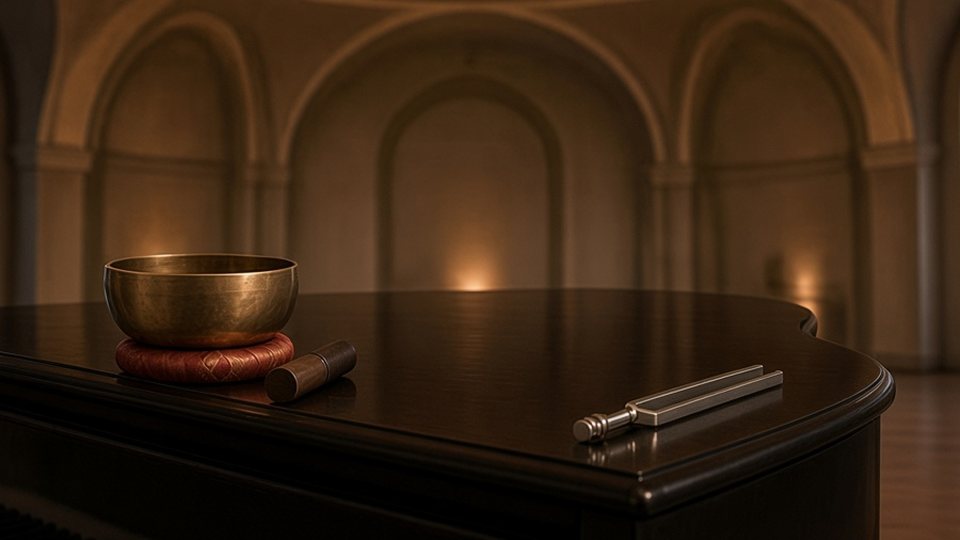
- Match: pick a note, tap the singing bowl or the tuning fork to ring it, and match it with your voice or your instrument. Any octave counts. Wear headphones: from speakers, the mic hears the tone too.
Seeing what you play
In Drone and Match, the room shows each note you play, named by its role in the key and in the same colours as the legend.
- Trail: how the names appear. Rise floats each one up into the hall and lets it dissolve; column lists them on the right and lets them evaporate; board keeps the last dozen on a quiet slate; off shows nothing.
- Right side: what sits under the colours at the top right. Staff draws your notes on a small treble staff (written the way guitar music is, an octave above how it sounds), each where it happened in time, with a tail for how long it rang; the last six seconds scroll past. Staff + scale adds a guess at the scale you're in: once one clearly fits your last notes, the colours outside it dim and its name appears (sounds like Dorian). Esc starts it listening fresh. Colours keeps only the legend; off clears the right side.
- It hears one note at a time: strum a chord and it names the lowest or loudest note. Very fast runs can drop a note.
- On a phone these stay hidden, so the room stays clear.
The bowl and the fork
They're real recordings: a singing bowl struck with a yarn mallet (Freesound user ChaliceAV) and a 440 Hz tuning fork on its resonance box, recorded in an anechoic chamber (jmuehlhans), both CC0. Tapping one rings the chosen note; each is moved to it by at most half an octave, so it keeps its own character.
Walk into the Tone Room →